
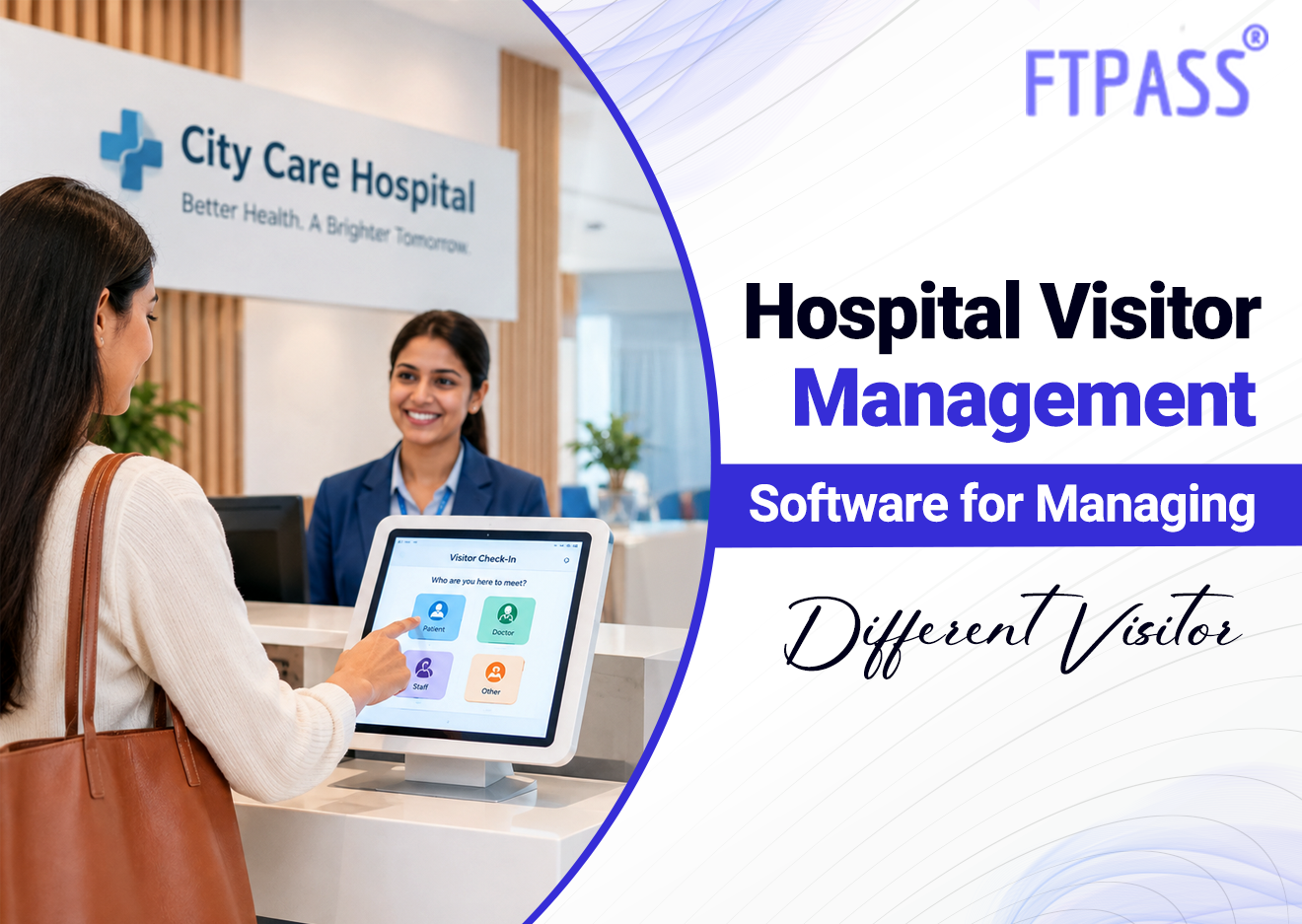
Hospital Visitor Management Software for Managing Different Visitor Categories
Walk through any hospital lobby for ten minutes, and you'll see how mixed the crowd actually is. Family members waiting on updates, delivery staff dropping off supplies, sales reps from pharma companies, government inspectors doing rounds, interns reporting for duty, and a courier who just needs someone to sign for a package.
Treating all of them the same way at the front desk doesn't really work, and that's the problem hospital visitor management software is built to solve.
Why Hospitals Deal With So Many Types of Visitors
Most facilities don't have this issue. An office sees employees and the odd client. A hospital sees basically everyone, all day, for entirely different reasons.
A few examples of what a front desk deals with:
-
Family and friends visiting patients, often multiple times a day
-
Vendors and suppliers delivering equipment, medicine, or general stock
-
Contractors coming in for maintenance or repair work
-
Medical reps meeting doctors
-
Interns and rotational staff who aren't full-time employees yet
-
Government or regulatory inspectors needing access to specific departments
Lump all of these into one generic "visitor" entry and you lose any real ability to control who's allowed where, or even figure out later who was actually in the building on a given day.
How a Hospital Visitor Management System Sorts Visitors by Category
This is really where hospital visitor management software earns its keep. Instead of one blanket entry process, visitors get categorized right at check-in, and each category follows its own path from there.
Here's roughly how that plays out at the kiosk:
-
The visitor selects or gets assigned a category, like family visitor, vendor, contractor, or official
-
Their photo and basic details get captured on the spot
-
The system routes the approval request to the right person: a ward nurse for family, a department head for a vendor
-
Once approved, a badge is issued, carrying different details by category
-
Every entry, tagged by category, gets logged for later reference
Because it runs on the cloud, this hospital visitor management platform applies the same categorization logic across every entry point in the hospital, not just the main lobby.
Setting Different Rules for Different Visitor Types
Not every visitor should have the same level of access, and that's really the point of sorting them in the first place. A family member visiting a patient doesn't need clearance for the pharmacy storage area. A vendor delivering equipment doesn't need to walk through the ICU.
With hospital visitor management software, hospitals can set access rules tied to visitor category instead of treating every entry the same:
-
Family visitors get access limited to specific wards or visiting hours
-
Vendors and contractors get routed to service entries instead of the main lobby
-
Official or regulatory visitors get flagged for host approval before access is granted
-
Repeat visitors, like a daily pharma rep, can be pre-registered so check-in takes seconds
This kind of segmentation isn't really possible with a paper register. Everyone just gets written into the same book, same column, regardless of who they are or why they're there.
Keeping Track of Everyone Without Extra Paperwork
The other side of this is reporting. When something needs checking - a security review, a compliance audit, a simple "who visited ward 6 last Tuesday"- having visitor data split by category makes that a lot less painful.
A cloud-based hospital visitor management system means:
-
Administrators can pull reports filtered by visitor type instead of digging through one mixed log
-
Security teams get a live view of who's inside, broken down by category
-
No need to cross-check three different registers to find a specific visitor
-
Data stays consistent whether entry happened at the main gate or a side entrance
Why FTPass Fits This Kind of Setup
FTPass is built as a touchless, cloud-based platform, and hospitals are one of the environments it's designed for, alongside offices, schools, and co-working spaces. It handles visitor registration, photo capture, host approval, and badge issuance from a kiosk, and supports the category-based routing hospitals need given how varied their foot traffic is.
For a hospital, that means front-desk staff aren't stuck applying one generic process to everyone who walks in, and administrators get a system that reflects how different visitors actually move through the building.
Frequently Asked Questions
1. What is hospital visitor management software used for?
It registers, verifies, and approves visitor entry, while sorting visitors into categories like family, vendor, or official, so access and approvals can differ accordingly.
2. Can this kind of system handle repeat visitors like pharma reps?
Yes. Repeat visitors can be pre-registered, so check-in takes just a scan or quick confirmation instead of filling out details every time.
3. How does a hospital visitor management platform help with vendor entries?
Vendors can be routed to specific entry points and given access limited to relevant areas, keeping them separate from patient-facing zones.
4. Does categorizing visitors actually improve hospital security?
It does, since access rules and approval flows can be tied to visitor type, rather than giving every visitor the same level of access by default.
5. Can hospitals use this across multiple entry points or branches?
Yes. Being cloud-based, the same categorization and approval logic applies across every entrance or branch, visible from a single dashboard.